SearXNG
Self-hosting my own search engine

You know me well enough at this point to know that I will happily self-host something if given the option, especially if it takes the place of something that while publicly available would otherwise incur a paid subscription. While search engines aren’t exactly a paid service in our everyday lives, I have seen a few people lately that have been using SearXNG as their personal search engine and I was sufficienyl intrigued by the concept if nothing else. After reviewing some selling points from various TechTubers, hey don’t hate me they are how I even found out about it in the first place, my main taeaway was the service acting as an anonymous proxy for public search engines, thereby blocking cookies and trackers, and preserving my personal information.
At present there isn’t a Proxmox Helper script so I had do go about this the old fashioned way, but it wasn’t bad at all. Nothing like my Immich saga. But hopefully that’ll come along soon because while not everyone needs or wants their own self-hosted search engine, it is certainly useful to some, especially those that are heavily focused on internet security, and streamlining the installation process always goes a long with with those that either by choice or necessity can’t take the time to set up their own services.
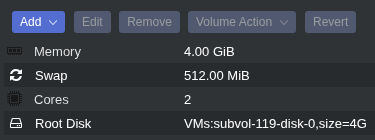
The SearXNG documentation includes Docker, installation script, and manual methods. I opted for the script method since I prefer not to use Docker. I first started by creating an LXC container with 2 CPU cores, 4GB of RAM, 512MB of swap space (default), 4GB of disk space, and used a Debian 13 LXC template. Once the container started I updated and upgraded all packages, installed Git, created a directory with sufficient permissions into which to clone the SearXNG repo, and cloned the repo.
1
2
3
4
5
apt update && apt upgrade
apt install git
mkdir ~/downloads
chmod -R 755 downloads
git clone https://github.com/searxng/searxng.git
Next up was running the installation script inside the searxng folder:
1
2
cd searxng/utils
./searxng.sh install all
This returned two errors: sudo was missing, and curl was missing. Unexpected, but easy fix.
1
apt install sudo curl
I could then run the installation script without issue. I was prompted approve multiple package installations during this process, but it ran just fine.
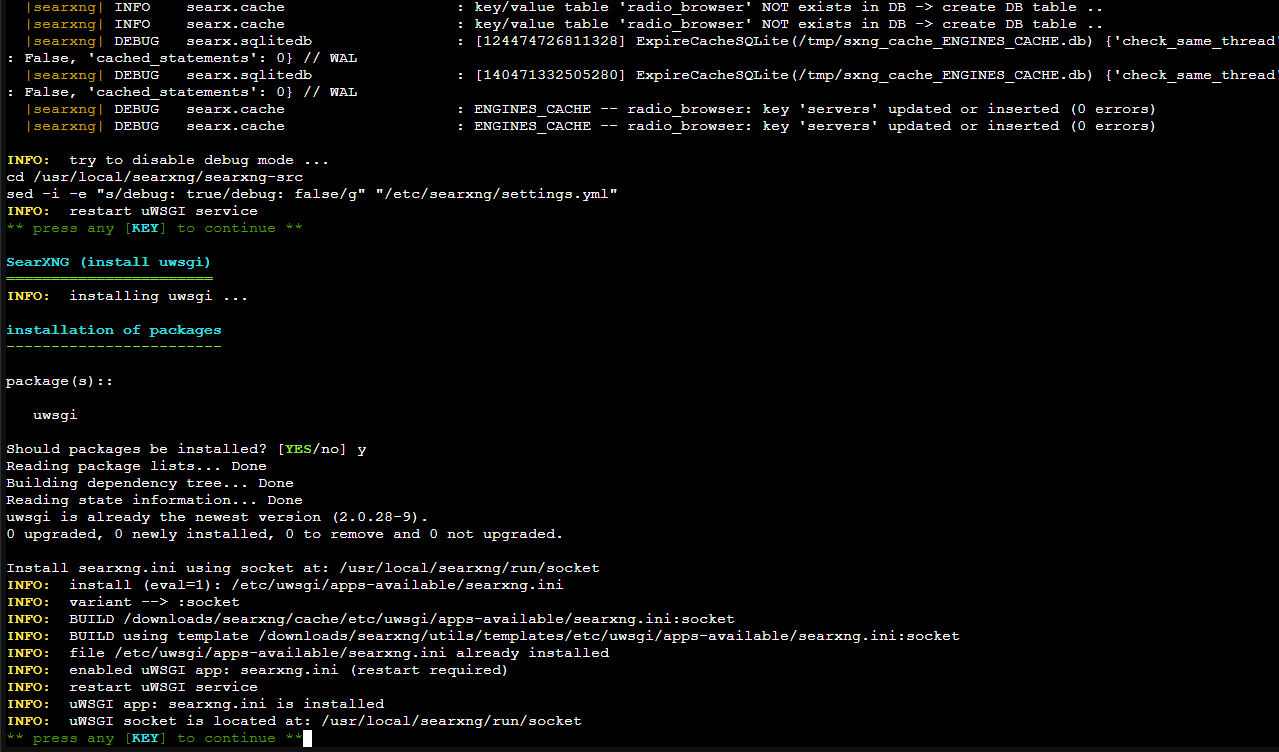
Once complete I needed to run the installation script again but with the install nginx parameter to install the web server.
1
./searxng.sh install nginx
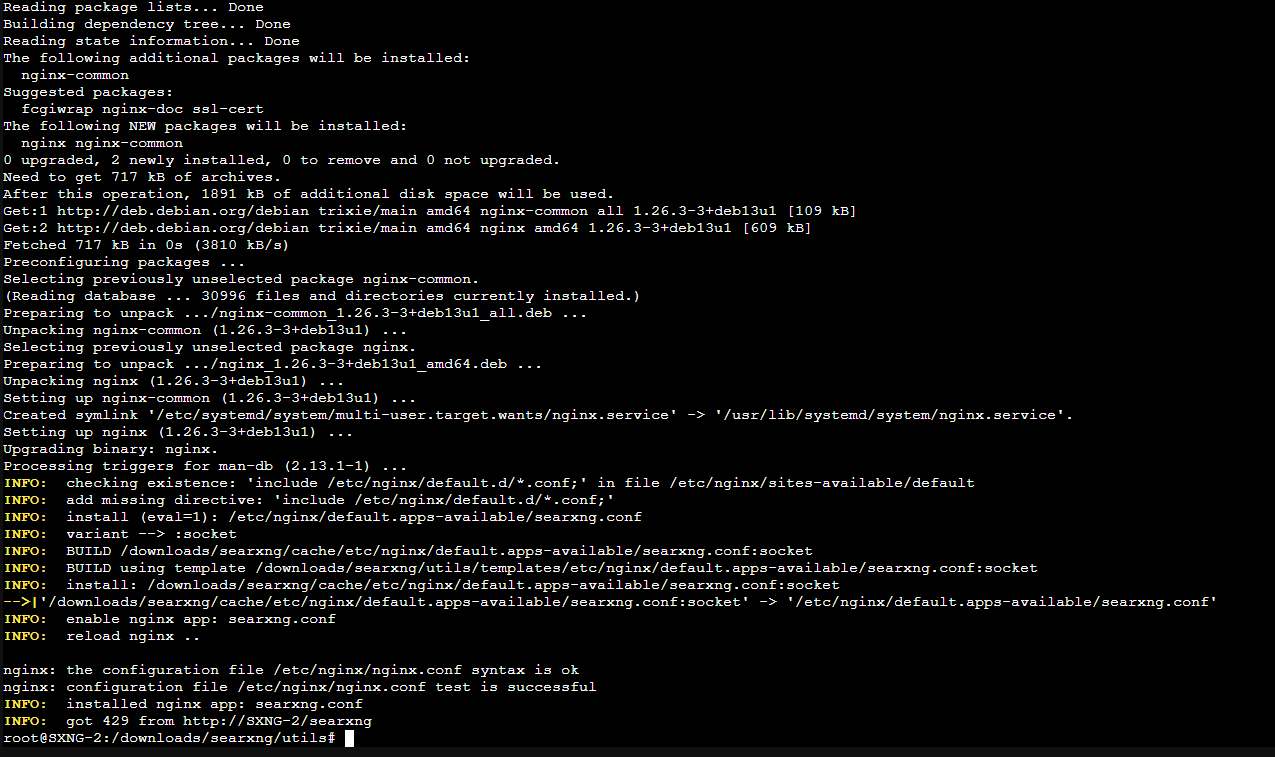
Once nginx was installed the web server was immediately up and running. Entering the IP address of the LXC container with /searxng at the end of the URL presented me with the running service.
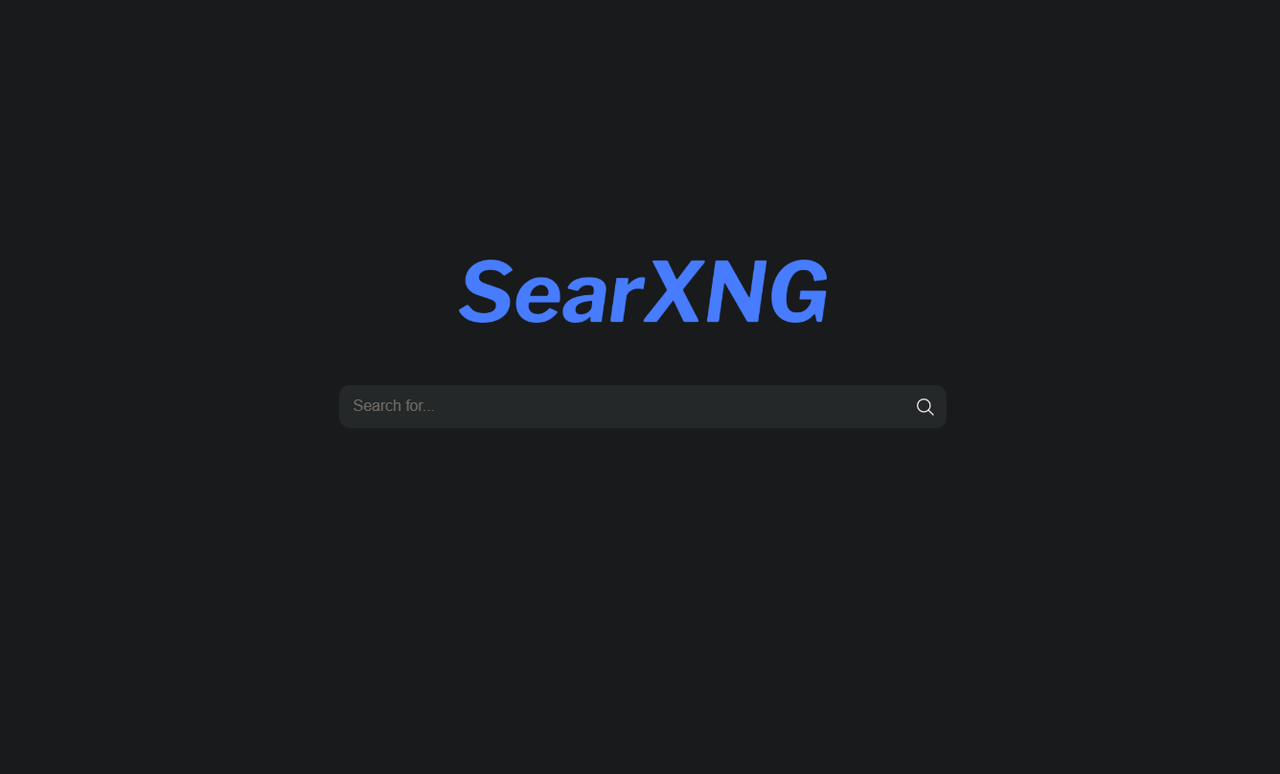
Next I wanted to tweak a few things to suit my tastes. To do this I edited the searxng.conf file.
1
nano /etc/nginx/default.d/searxng.conf
Since SearXNG is the only service running on this container, and therefore the only service I need to access through its IP address, I opted to remove the /searxng portion of the URL which was done by changing the location URL to just / and commenting
1
2
3
4
5
6
7
8
9
10
11
12
13
14
15
16
17
18
19
20
21
22
23
24
25
#Before editing
GNU nano 8.4
location /searxng {

    uwsgi_pass unix:///usr/local/searxng/run/socket;

    include uwsgi_params;

    uwsgi_param    HTTP_HOST             $host;
    uwsgi_param    HTTP_CONNECTION       $http_connection;

    # see flaskfix.py
    uwsgi_param    HTTP_X_SCHEME  $scheme;
    uwsgi_param    HTTP_X_SCRIPT_NAME    /searxng;

    # see botdetection/trusted_proxies.py
    uwsgi_param    HTTP_X_REAL_IP        $remote_addr;
    uwsgi_param    HTTP_X_FORWARDED_FOR  $proxy_add_x_forwarded_for;
}

# To serve the static files via the HTTP server
#
# location /searxng/static/ {
#     alias /usr/local/searxng/searxng-src/searx/static/;
# }
1
2
3
4
5
6
7
8
9
10
11
12
13
14
15
16
17
18
19
20
21
22
23
24
25
#After editing
GNU nano 8.4
location / {

    uwsgi_pass unix:///usr/local/searxng/run/socket;

    include uwsgi_params;

    uwsgi_param    HTTP_HOST             $host;
    uwsgi_param    HTTP_CONNECTION       $http_connection;

    # see flaskfix.py
    uwsgi_param    HTTP_X_SCHEME  $scheme;
    # uwsgi_param    HTTP_X_SCRIPT_NAME    /searxng;

    # see botdetection/trusted_proxies.py
    uwsgi_param    HTTP_X_REAL_IP        $remote_addr;
    uwsgi_param    HTTP_X_FORWARDED_FOR  $proxy_add_x_forwarded_for;
}

# To serve the static files via the HTTP server
#
# location /searxng/static/ {
#     alias /usr/local/searxng/searxng-src/searx/static/;
# }
Restarting just the nginx service didn’t quite make things work, and for some reason SearXNG itself isn’t registered as a system service (that I could see) so I just rebooted the container. At this point everything loaded as expected and I was back to the same page above, just without the extra URL path.
Now with the webUI working I could start customizing SearXNG’s features. The main stuff like default categories, language, safe search, theme, etc I left alone as these were fine as is. The list of engines is what really caught my eye since this would determine which engines’ search results would get collated into a single page, and by extension how fast those results would be returned since some of the default search engines had long “max times” which I interpreted to mean they weren’t the quickest to respond and longer max time would allow for longer response times before ignoring or dropping the reply. I could be wrong about how this actually works, but de-selecting them did noticeably speed things up for me. Besides, having results combined, sorted, and filtered from a ton of search engines won’t yield more results unless a given engine is returning results none of the others have. I generally don’t do anything too crazy beyond using boolean search terms when needed, and this was really just more of a fun experiment, so limiting the engines to Google, Brave, Bing, Wikidata, and Wikipedia seemed like a good starting point.
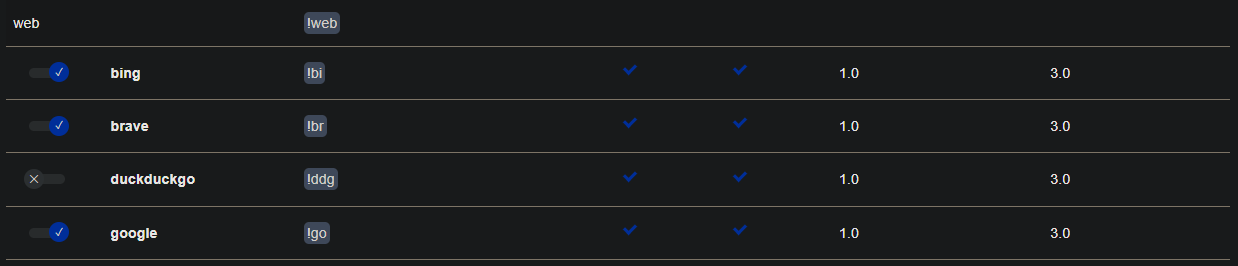
For Images and Videos however I left the default engines since a number of media search engines are tailored for media results instead of general searches, so I felt like spending a few extra seconds for more potential results was worth it here. Again, could be going about this the wrong way, but this was my thought process. I left the remaining categories alone since I don’t do those types of searches. But the process is the same as with the ones I did modify.
Searches are of course not quite as instantaneous as with just searching via Google (or your search engine of choice), however the key thing to remember is that multiple searches are being performed simultaneously, the results are being combined into a single results feed, and all of the information requests, trackers, and cookies have been stripped out. And to channel Andrew Robinson from Deep Space Nine: all it cost was two CPU cores that effectively never get used, less than 256MB of RAM, 1.4GB of drive space, and an extra second or two of my time when running searches. Now I don’t know about you, but I’d call that a bargain.
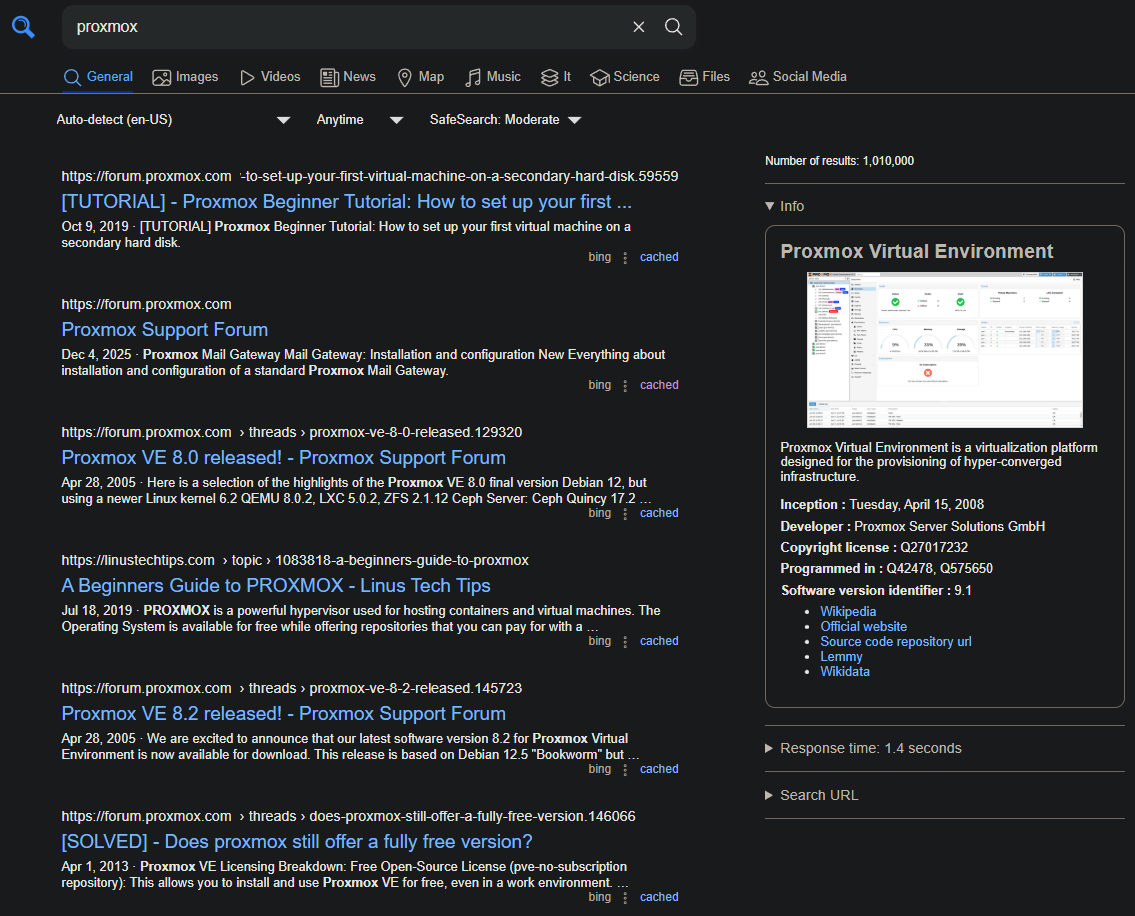
Ultimately I haven’t decided if I’m going to stick with SearXNG because I’m not super duper concerned with security, though I can definitely vouch for how SearXNG handles it. If nothing else it was a fun little project and maybe I’ll revisit it in the future if a new feature comes along that interests me or I finally do become paranoid enough to want to ensure Google and the others get as little data from me as possible.
More job hunting in the meantime. Bye for now.